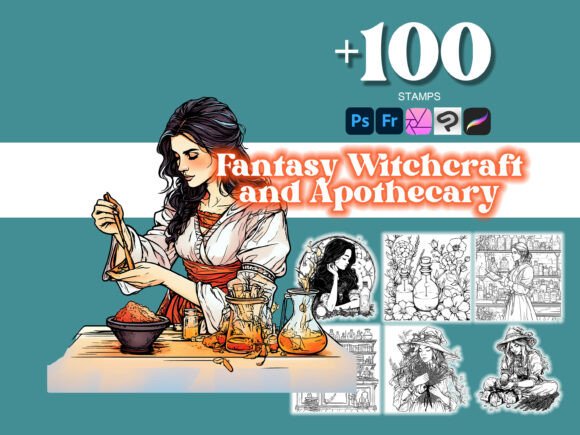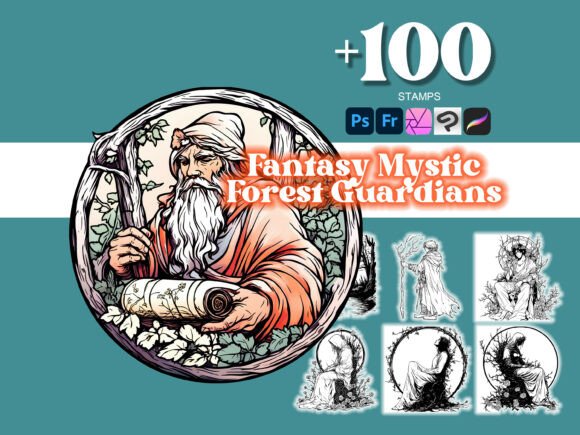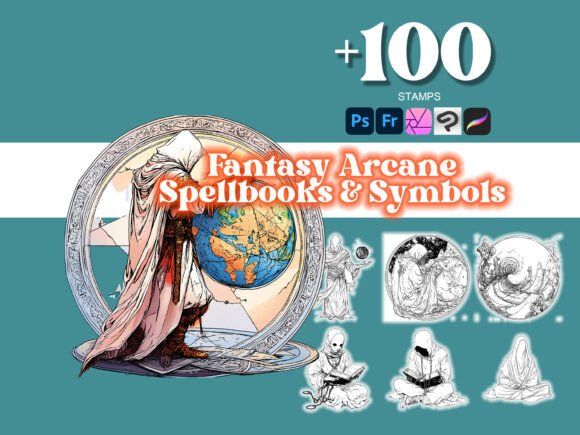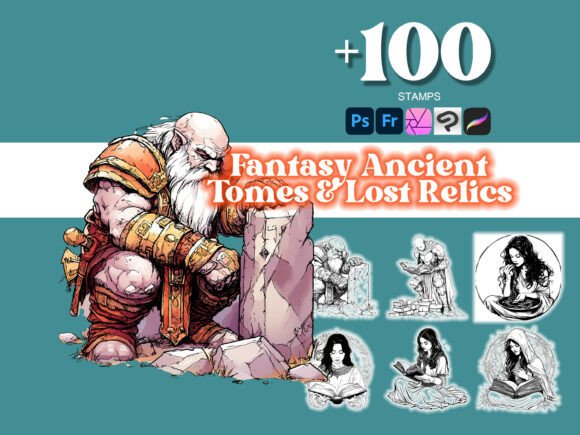
Elevate Your Designs with 100 Ornate Dragon Worlds Photoshop
Creating visually compelling artwork requires more than just technical skill—it demands the right tools. The 100 Ornate Dragon Worlds Photoshop collection delivers exactly that, offering over 100 high-quality .abr brushes designed to bring intricate, imaginative detail to your digital creations. Whether you're working in Photoshop, Illustrator, or even Procreate, this versatile set empowers artists and designers to elevate their visual storytelling across a wide range of creative applications.
What Makes Ornate Dragon Worlds Unique
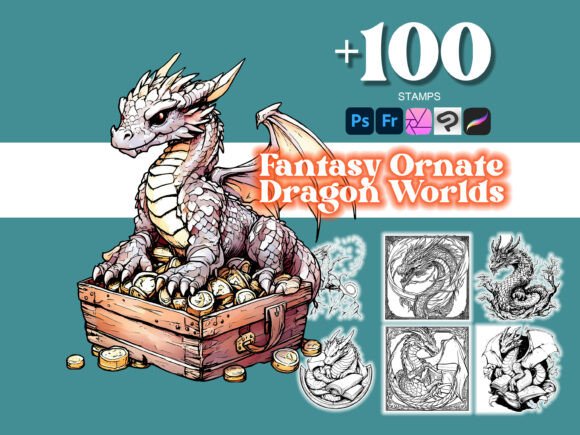
The 100 Ornate Dragon Worlds Photoshop brushes stand out for their rich detail and thematic consistency. Each brush is crafted with a fantasy-inspired aesthetic, featuring elaborate dragon motifs, mystical textures, and ornamental patterns that evoke a sense of ancient lore and visual depth. These brushes aren't just decorative—they're tools for building immersive worlds within your artwork, perfect for illustrators, tattoo artists, and designers who want to infuse their work with a touch of the extraordinary.
From scale-like textures to flame effects and intricate border elements, the set offers a diverse toolkit that maintains a cohesive visual language. This consistency is key for branding or themed projects where maintaining a unified style across multiple pieces is essential. The brushes are also scalable without losing clarity, making them ideal for both fine details and bold, high-impact visuals.
Where This Collection Shines
One of the strongest attributes of the 100 Ornate Dragon Worlds Photoshop collection is its adaptability. While it's particularly well-suited for fantasy illustration and digital art, its applications extend far beyond that. Here are some areas where this set truly excels:
- Logo design: Use select brushes to add ornamental accents or dragon-inspired elements that give your logo a mythical edge.
- Editorial design: Enhance book covers, magazine spreads, or fantasy-themed publications with rich textures and symbolic motifs.
- Packaging design: Create eye-catching product packaging that tells a story, especially for niche markets like gaming, fantasy literature, or artisanal goods.
- Web and social media graphics: Stand out in digital spaces with custom illustrations that blend modern aesthetics with traditional fantasy elements.
- Tattoo design: The crisp lines and detailed patterns make this set a favorite among tattoo artists looking to offer unique, personalized designs.
Because the collection includes both Photoshop and Procreate versions, you can seamlessly transition between desktop and mobile workflows. This flexibility ensures that whether you're sketching on the go or refining a detailed composition, you have access to the same high-quality design assets.
How Ornate Dragon Worlds Enhances Visual Communication
Typography and visual assets play a critical role in how audiences perceive and engage with content. While the 100 Ornate Dragon Worlds Photoshop set isn't a font per se, it functions similarly in that it contributes to the overall typeface or visual language of a design. Just as a well-chosen font can influence brand perception, these brushes help establish a distinct personality and visual hierarchy in your artwork.
When used thoughtfully, the ornate elements can guide the viewer's eye, emphasize key focal points, and add a sense of depth and dimensionality. In branding contexts, consistent use of these textures and motifs can contribute to stronger brand recognition—especially for businesses operating in fantasy, gaming, or creative industries where visual storytelling is paramount.
However, like any design asset, these brushes work best when applied with intention. Overuse can lead to visual clutter, while underuse may fail to make the desired impact. The key is to balance intricate details with clean, readable layouts that allow the artwork to breathe.
Practical Tips for Using the Ornate Dragon Worlds Collection
If you're considering integrating the 100 Ornate Dragon Worlds Photoshop brushes into your design workflow, here are some practical steps to ensure optimal results:
- Start with a clear concept: Before diving into the details, define the mood and purpose of your design. Are you creating a fantasy-themed logo? A dramatic book cover? Knowing your goal will help you choose the most relevant brushes.
- Test brush pairings: Combine ornate brushes with simpler textures or flat elements to maintain visual balance. Think of it like font pairing—contrasting styles can enhance readability and aesthetic appeal.
- Review included styles: Take time to explore the full range of brushes available. Some are better suited for background textures, while others work best as accent elements or focal points.
- Consider readability: If you're incorporating text into your design, ensure that the ornate elements don't overpower the copy. Use brushes to enhance, not obstruct, the message.
- Check licensing: This collection is designed for both personal and commercial use, but always verify the specific licensing terms to ensure compliance, especially for client work or mass-produced items.
For digital artists and illustrators, experimenting with layer blending modes and opacity settings can unlock even more creative potential. Try overlaying multiple brushes with different blending options to create complex, multi-dimensional textures that feel handcrafted and organic.
Final Thoughts
The 100 Ornate Dragon Worlds Photoshop collection is more than just a set of brushes—it's a comprehensive toolkit for artists and designers who want to push the boundaries of their creative work. Whether you're building a brand identity with a mythical edge, designing editorial content with a fantasy flair, or simply expanding your digital asset library, this set offers the quality, flexibility, and visual impact you need to stand out.
By combining traditional artistry with modern digital tools, this collection bridges the gap between imagination and execution. And with the added bonus of Procreate compatibility, you're not limited by platform or location. So whether you're working from your desktop or sketching on your iPad, you can bring the same level of detail and sophistication to every project.